1. What are the benefits of the Mugg & Bean Loyalty App?
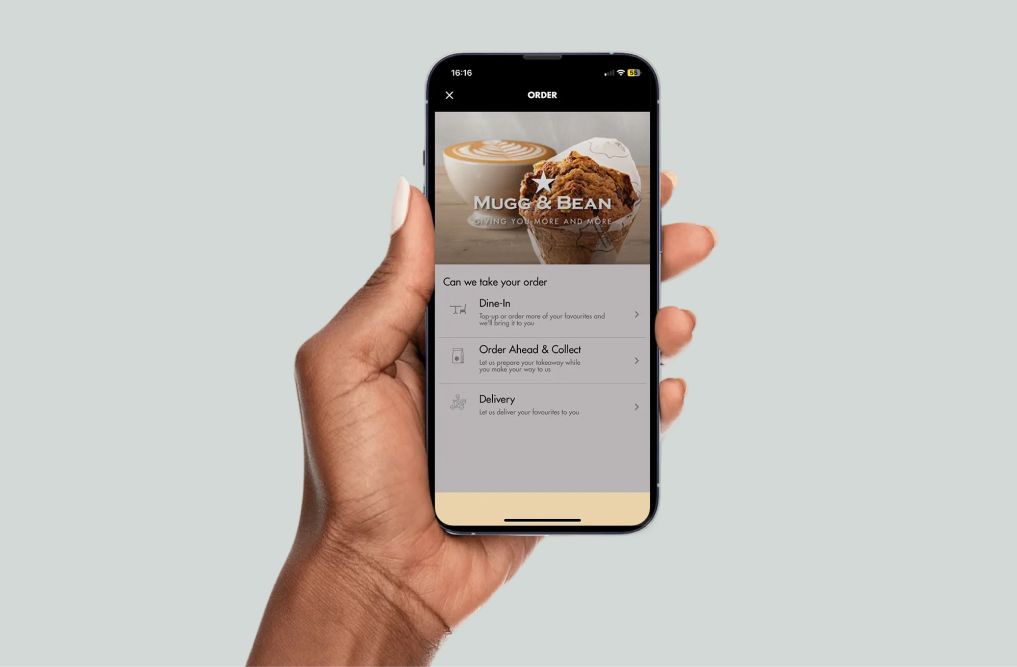
The Mugg & Bean Loyalty App rewards you for being a loyal customer. The App allows you to make payments, earn Loyalty Rands, and redeem them with ease. You can also get access to special offers, and qualifying Loyalty App users get a free slice of cake on their birthday.
2. How do I download the Mugg & Bean Loyalty App?
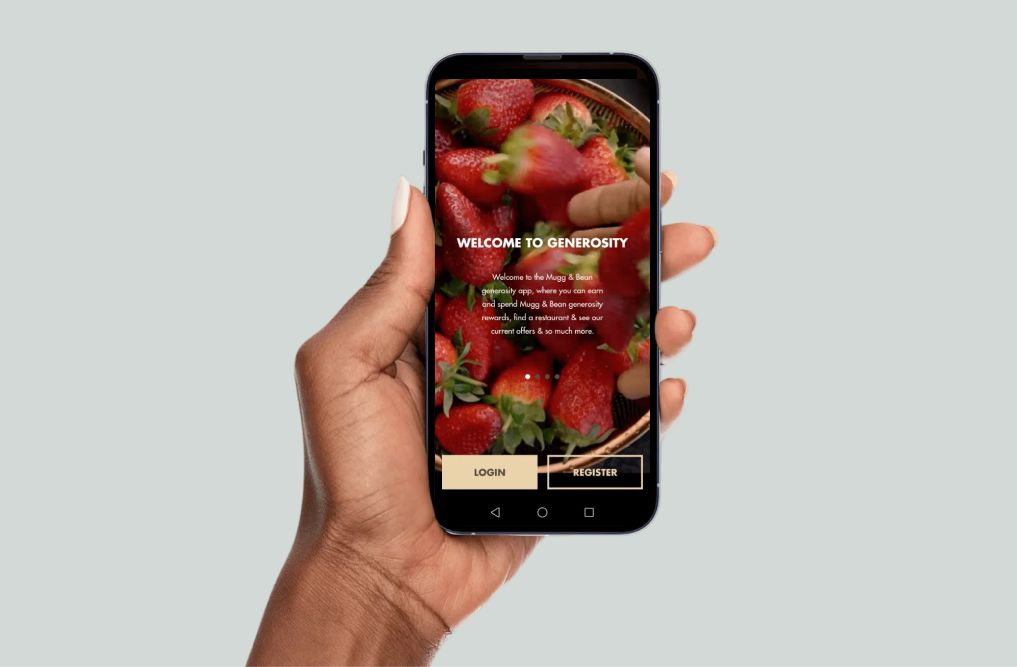
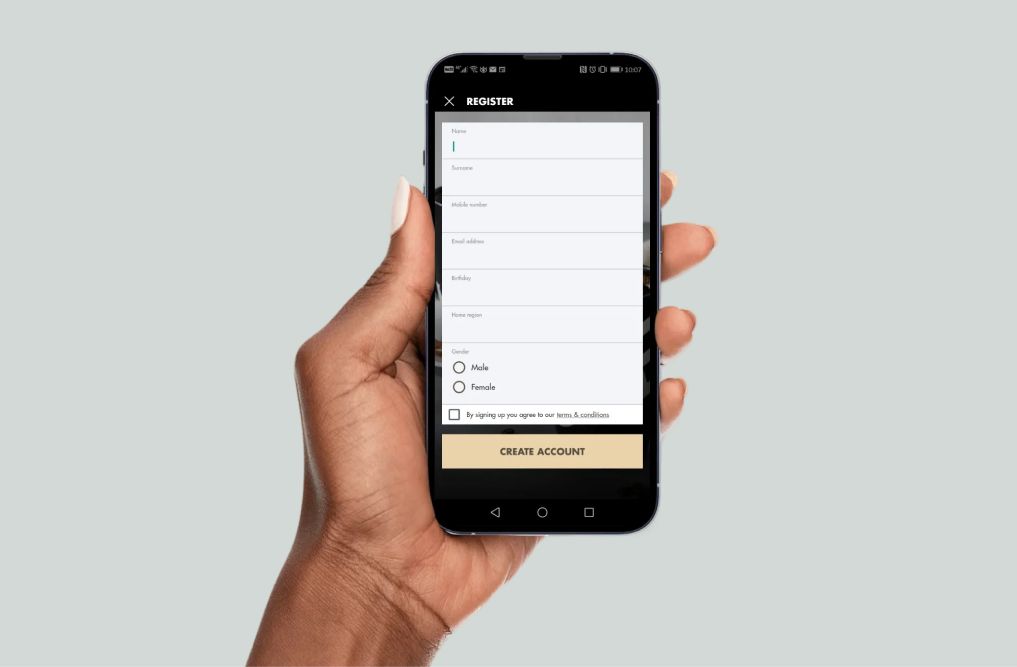
Go to the Apple App Store or Google Play and search for "Mugg & Bean". Once you have found our App, follow the instructions to download and register. Please note the Mugg & Bean Loyalty App is free.
3. I can't download the Mugg & Bean Loyalty App
If you are in one of our restaurants, first make sure that you are connected to the internet using our bottomless Wi-Fi, which you can find under "MuggandBean@VAST" under the Wi-Fi setting on your device. If you are connected to the internet and our Mugg & Bean App still doesn't download, then please ensure you have the latest operating system and the correct sign-in details for your app store.
4. The Mugg & Bean App isn't working
There could be a number of reasons why our Mugg & Bean Loyalty App may not be working:
Check your mobile phone settings and ensure that Wi-Fi or mobile data is switched on.
Then check that you are connected to the internet by accessing a web page, such as www.google.co.za
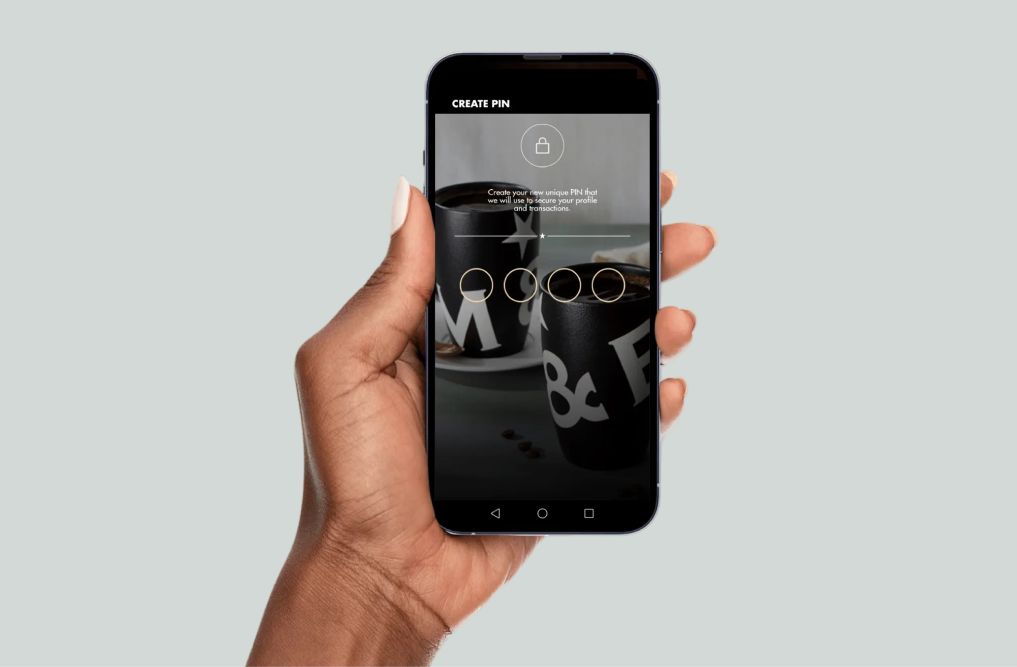
If you are connected to the internet and our Mugg & Bean Loyalty App still doesn't work, then please ensure you have entered the correct sign in PIN.
It may be that you have not updated our App. Please go to the settings in your App store and ensure that the App is updated.
5. I am unable to register on the Mugg & Bean Loyalty App. What should I do?
It may be that you have previously registered using the cellphone number you are attempting to register with. Please follow the instructions for a forgotten PIN. If you have followed these steps, and the Mugg & Bean Loyalty App still doesn't allow you to register, please contact our help centre via email on info@muggandbean.co.za, including your name and cell phone number and one of our agents will assist you.
6. What if I have forgotten my PIN?
In order to recover your pin, go to the home screen where you log in, just below where you enter your mobile number and pin is an icon "FORGOT PIN"? Click on this and you will then be asked to enter a new PIN.
7. How do I check my loyalty balance?
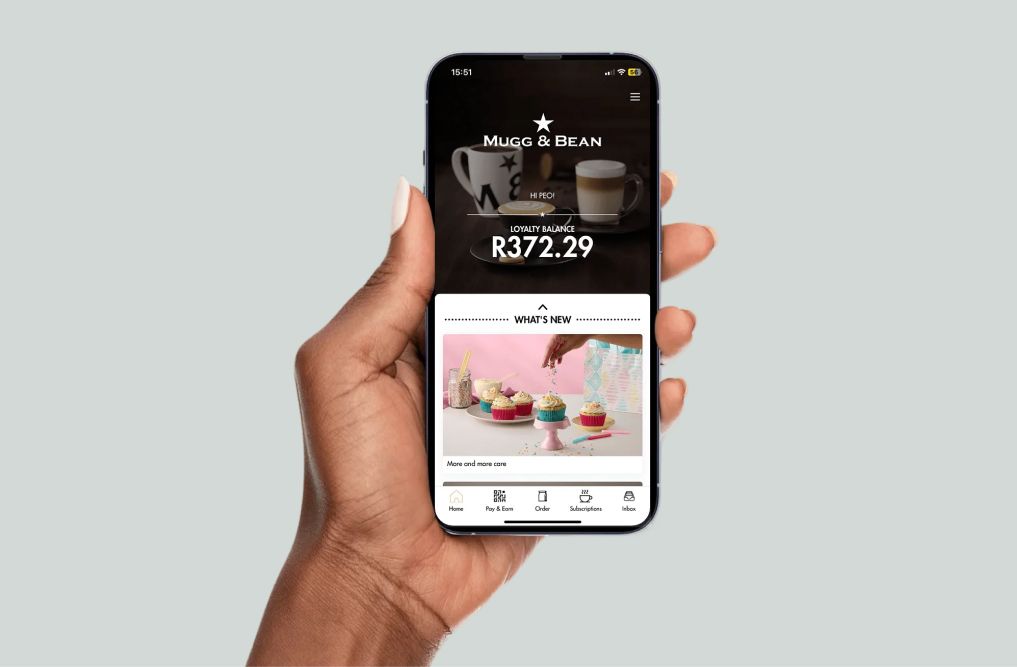
Your loyalty balance can be viewed on the home screen of the Mugg & Bean App once you have logged in, alternatively you can check your balance once you go to the "scan" tab.
8. How much will it cost to download the Mugg & Bean Loyalty App?
The Mugg & Bean Loyalty App is free, and always will be, but our app does require data to download and use. The best way to download our App is to use our Bottomless Wi-Fi which is available in all Mugg & Bean sit-down restaurants.
9. How much will it cost to use the Mugg & Bean Loyalty App?
If you use the app in any of our Mugg & Bean sit-down restaurants, you can make use of our Bottomless Wi-Fi, which is free. If you are not connected to our Mugg & Bean Bottomless Wi-Fi, we have tried to make sure that the cost of data is minimal by optimising the app to ensure you use the smallest amount of data to enjoy your Generous Rewards.
10. Which phones are compatible with the Mugg & Bean Loyalty App?
Our App is optimised for use on Android and iOS operating systems. Your phone does need to be a smartphone.
11. Is my information safe?
Yes, we at Mugg & Bean take the protection of personal information very seriously and use the latest encryption software to ensure that nobody but you can access your information.
12. Can I register more than one cell phone number?
Yes, you can register more than one cell number, but each cell number requires you to be able to receive and use an activation One Time Pin (OTP). You can also only use one account at a time per transaction to earn and/or spend your loyalty balance.
13. What are the terms and conditions of the Mugg & Bean Loyalty App?
Please follow this link to access the terms and conditions of our App. - Terms & Conditions
14. Who do I contact if I have a complaint or feedback about the Mugg & Bean Loyalty App?
15. How do I opt in or out of in-app messaging?
You can set up your messaging preferences for all Apps in the settings section of your phone. Select the Mugg & Bean Loyalty App and change to your desired setting. You can revert back to your previous option at any time.
16. How do I find out where I can use a voucher on the App?
The tab labelled "Special Offers" will display all the current vouchers and special offers available to you. The voucher will be applied to the bill for the product and/or the cash saving automatically when you scan the bill with your Loyalty App, as long as you are in a participating restaurant and have met the minimum requirements to qualify for the reward, should there be any.
17. How do I find my nearest Mugg & Bean restaurant or On The Move using the Mugg & Bean Loyalty App?
For Android: Look for the "More" button on the bottom navigation bar. This will then give an option titled "Restaurants". Click the arrow and you will see a list of restaurant names. If you have location services enabled, the Mugg & Bean restaurants closest to you will be displayed, beginning with the closest restaurant and listing all participating restaurants.
For iPhone: Click on the "More" icon and then on the option entitled "Restaurants". If you have location services enabled, the Mugg & Bean restaurants closest to you will be displayed, beginning with the closest restaurant and listing all participating restaurants.
18. How do I earn my Loyalty Rands on the App?
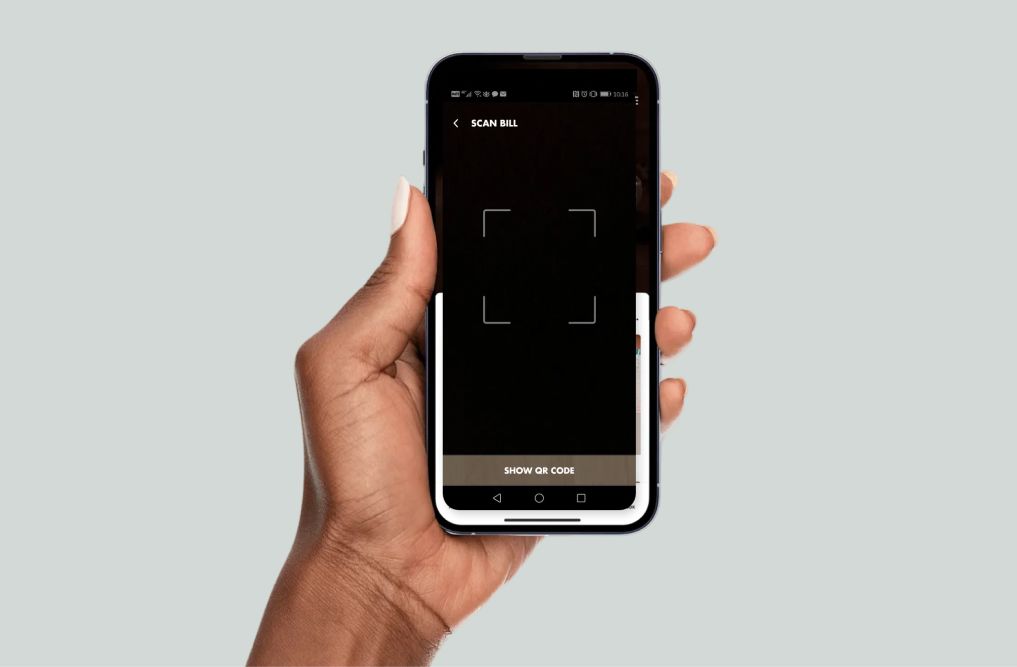
Every time you spend money at a Mugg & Bean, remember to click "SCAN" on the bottom navigation bar, or tab if you are an android user. At a Mugg & Bean sit down restaurant: Hold your smartphone about 15cm away from the QR Code which is printed on your bill, and your phone will scan the QR code on the till slip. This can be done if paying with any payment method accepted by the restaurant. Please note that, in order to earn Loyalty Rands, the QR code on your bill must be scanned within 15 minutes of the bill being printed. Upon expiry of the 15-minute period, the transaction can no longer be linked to your profile and Loyalty Rands can’t be awarded retrospectively.
19. How do I spend my Mugg & Bean Loyalty Rands on the App?
For Android users: On the bottom navigation bar, click "SCAN", then scan the QR code on the till slip holding your smartphone about 15 cm away from the slip. Wait until your phone camera scans the QR code and the full Loyalty Balance available will be deducted from your bill. Please note that tips cannot at this stage be included in your bill payment via our App.
For iPhone users: Select the tab on the bottom navigation bar that says "SCAN", then scan the QR code on the till slip, holding your smartphone about 15 cm away from the slip. Wait until your phone camera scans the QR code and the full Loyalty Balance available will be deducted from your bill. Please note that tips cannot at this stage be included in your bill payment via our App.
20. An App voucher barcode won't scan. Why won't it work and what can I do?
The voucher may not be valid at this restaurant or the voucher may have expired. Please contact our support desk for assistance. info@muggandbean.co.za
21. I have downloaded the App, but I didn't receive an OTP notification.
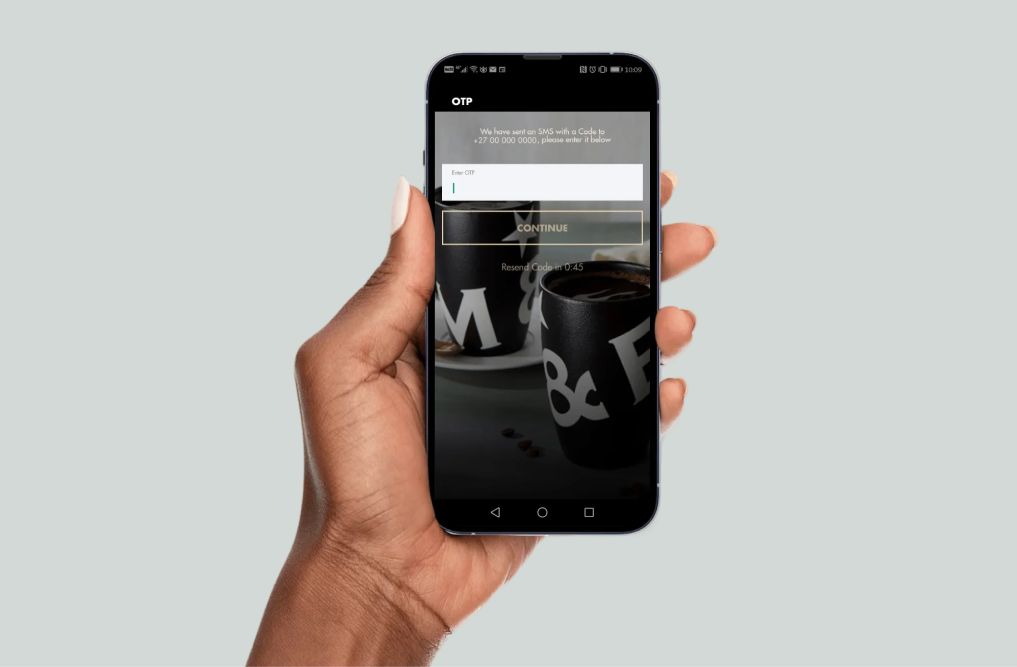
OTP notification issues are usually caused by network connection issues. Please allow for a few minutes to receive it. Our Bottomless Wi-Fi means that this will not cost you airtime, so take a sip of coffee and give it a while. If after 10 minutes, you have still not received the OTP notification, then please use our bottomless Wi-Fi to email your details and phone number to info@muggandbean.co.za and one of our agents will be able to assist you.
22. How can I view my loyalty balance?
You can view your loyalty balance on the updated Loyalty App Home screen.
23. Am I able to spend my loyalty balance instantly?
Yes, you can spend your loyalty balance whenever you crave a delicious Mugg & Bean meal (See menu) or premium coffee (Find out more here)
24. I already have a Mugg & Bean Loyalty App, but my loyalty balance is incorrect. What can I do to get my Loyalty Rands back?
Please navigate to your App store / Play Store / App Gallery to update the Loyalty App. Your previous loyalty balance should reflect on your Loyalty App Home screen after the update. Should you still not have your loyalty balance reinstated, kindly contact our support desk for assistance.
25. I have recently downloaded the Mugg & Bean App, but I did not receive a complimentary cappuccino after signing up on the Loyalty App?
Complimentary Cappuccinos are only rewarded to qualifying Mugg & Bean Loyal customers. Contact our support desk to find out more. info@muggandbean.co.za
26. Am I still going to receive my birthday cake voucher?
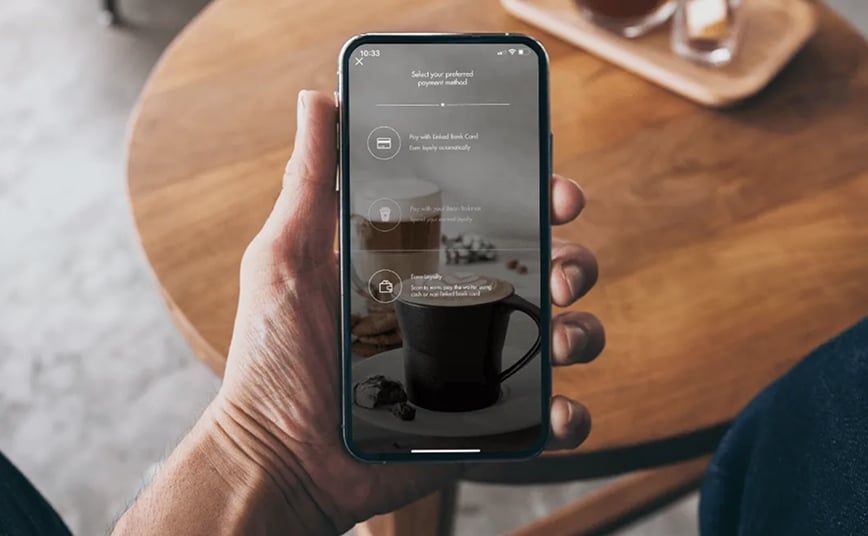
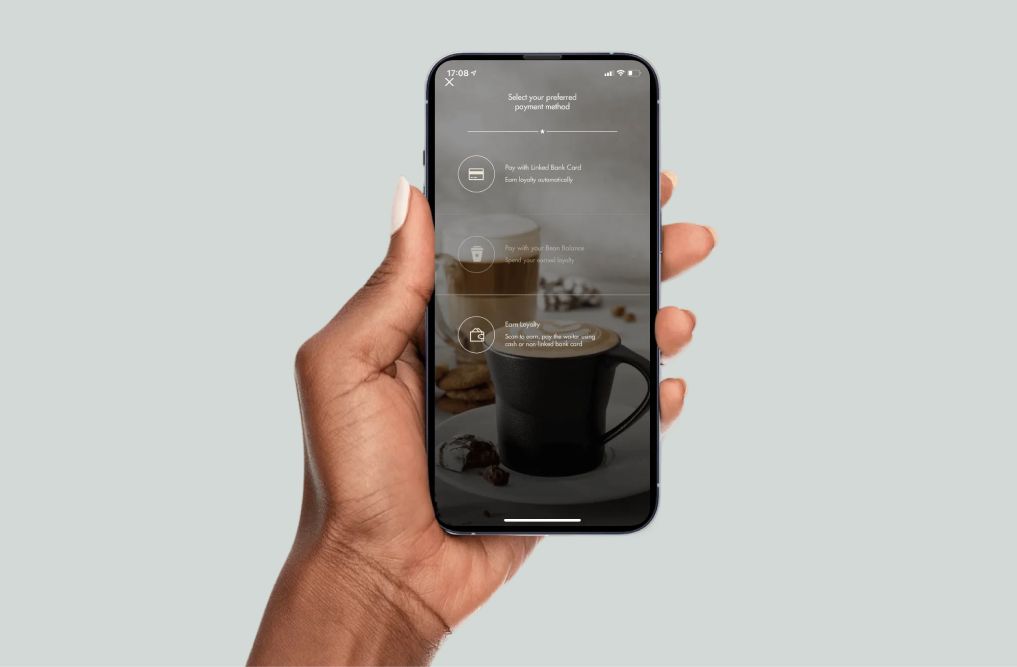
Birthday cake vouchers are sent to qualifying Mugg & Bean Loyalty App members on their actual birthday. The qualifying criteria is that you need to use the Loyalty App payment feature two or more times in the preceding 12 months, either paying with a Linked Card, paying with Loyalty, or scanning your payment receipt to earn Loyalty Rands.
27. How do I get a birthday voucher as a new Mugg & Bean Loyalty App user?
The qualifying criteria is that you need to use the Loyalty App payment feature two or more times in the preceding 12 months, either paying with a Linked Card, paying with Loyalty, or scanning your payment receipt to earn Loyalty Rands.
28. How can I update my details on this new Loyalty App?
Navigate to the hamburger menu on the top-right hand side of the Loyalty App home screen > Select My profile > Select any category you'd like to update
29. Will my personal details such as my bank card details be compromised after updating the Loyalty App?
No, Mugg & Bean is a brand that is POPI Act compliant. Therefore, you information will only be visible to you and Mugg & Bean.
30. My updated Mugg & Bean Loyalty App doesn't work. How can I get help?